
7 Mistakes You’re Making with Your New Office Internet Setup (and How to Fix Them)
By Dylan Banks

Office internet setup mistakes are technical or strategic errors: such as using consumer-grade hardware or failing to segment guest traffic: that compromise an insurance agency’s security, speed, and reliability. These errors often lead to dropped VoIP calls, slow agency management systems, and increased vulnerability to cyber threats.
Setting up a new office is a high-stakes game. You are balancing furniture deliveries, hiring staff, and trying to get your SF agency off the ground. It is tempting to grab the first modem your ISP offers, plug it in, and hope for the best.
That is a mistake.
For a modern insurance agency, the internet is not just a utility; it is the backbone of your entire operation. If your network is weak, your business is weak. We see the same seven mistakes happen over and over again. Here is how to spot them: and how we fix them for you.
1. Are you relying on the basic modem provided by your ISP?
Using the "all-in-one" box from your internet provider is the fastest way to throttle your agency’s performance and security. Most ISP modems are designed for residential use, meaning they lack the processing power to handle multiple VoIP lines, video conferencing, and heavy cloud-based data transfers simultaneously.
When you use a consumer-grade router, you are leaving your front door unlocked. These devices rarely have the robust firewalls required to meet modern security standards. According to the NIST Small Business Cybersecurity Corner, a hardware firewall is a non-negotiable layer of protection between your internal network and the public internet.
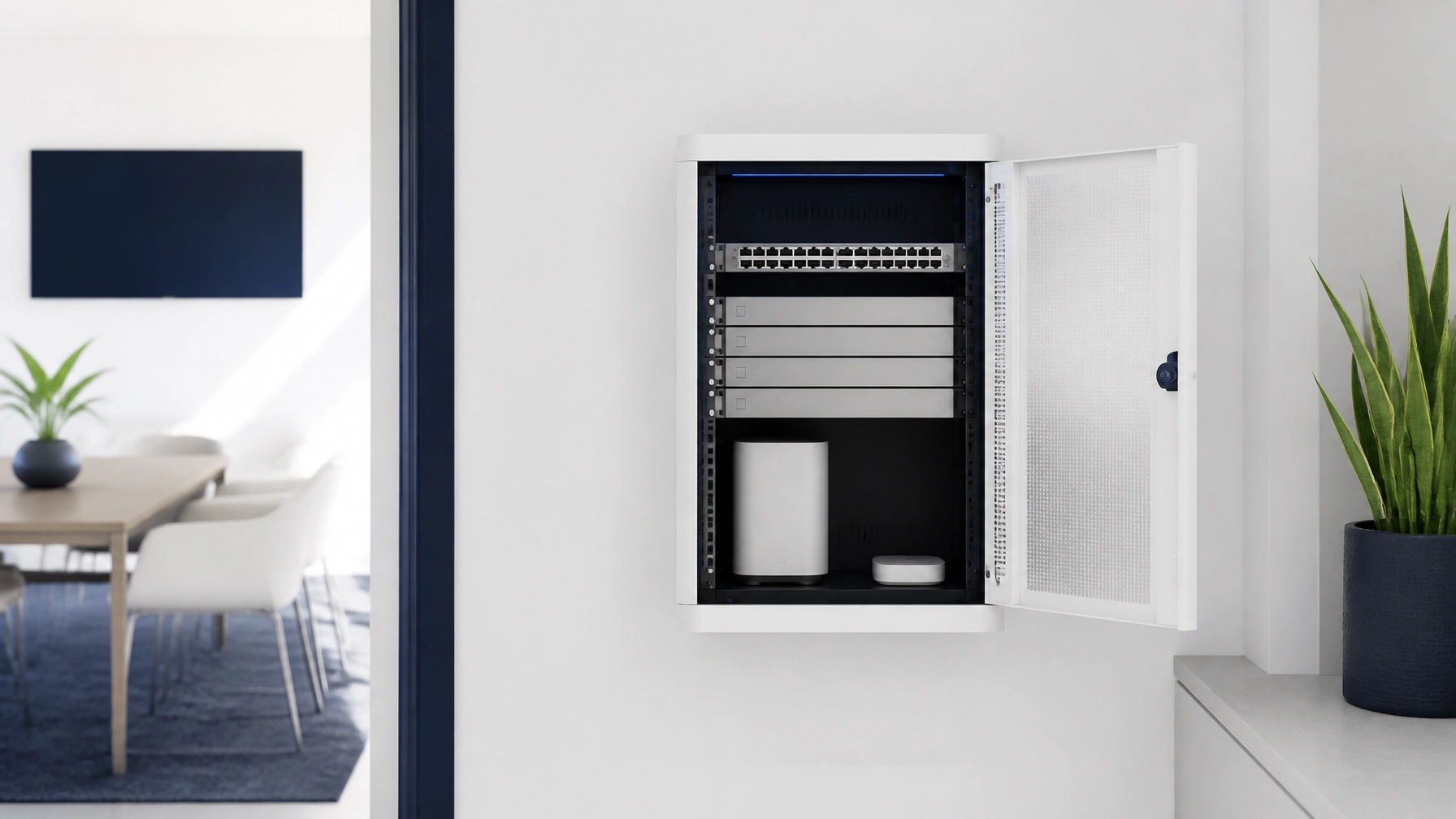
At Agent Choice Internet, we bypass this issue entirely. We install commercial-grade UniFi hardware that is built to handle high-traffic environments. You get a dedicated gateway that manages your data efficiently, ensuring your AMS never lags when you need it most.
2. Is your guest Wi-Fi on the same network as your client data?
Mixing guest and staff traffic on a single Wi-Fi network creates a massive security hole that can expose sensitive client PII to anyone with your Wi-Fi password. If a visitor connects their phone to your main network, they could potentially see every other device connected to that network: including the computers holding your policy data.
Network segmentation is the solution. You need separate Virtual Local Area Networks (VLANs) for your staff, your guests, and your IoT devices (like security cameras or printers). This ensures that even if a guest’s device is compromised, the rest of your agency remains isolated and secure.
We handle this managed network architecture for you. Our setups include pre-configured segments that keep your business data private while still offering a "white-glove" experience for your clients in the lobby.
3. Did you leave the default passwords on your hardware?
Leaving default admin credentials on your router or access points is an open invitation for hackers to take control of your network. Most hardware comes with "admin" as the username and "password" or "1234" as the secret code: and these are the first things an attacker will try.
It sounds simple, but it is one of the most common oversights in DIY setups. Changing these passwords is only the first step. You also need to disable features like Wi-Fi Protected Setup (WPS), which are notoriously easy to exploit.
We don't just change the password; we manage it forever. We use enterprise-level security protocols to ensure your hardware is locked down from day one. You never have to worry about a "default" setting being the reason for a data breach.
4. Where is your hardware actually located?
Tucking your router into a closet or hiding it behind a metal filing cabinet can kill your signal strength before it even reaches your desk. Wi-Fi signals are easily blocked by physical obstacles, especially the dense materials found in modern office buildings.
Poor placement leads to "dead zones" where calls drop and pages won't load. You shouldn't have to walk to the middle of the hallway to get a stable connection.
Our team researches your office layout to determine the optimal placement for every access point. We ensure full coverage across every square foot of your agency, so your team can work from anywhere in the building without missing a beat. You can see how this fits into our full process here.
5. Are you skipping your firmware and security updates?
Outdated firmware is a ticking time bomb because it often contains known vulnerabilities that hackers specifically target. Just like your computer or phone, your networking hardware needs regular updates to stay protected against the latest threats.
Most agents don't have the time to log into a router portal every month to check for patches. It’s a "set it and forget it" mentality that leads to disaster.
With our managed service, you don't have to think about updates. We monitor your hardware remotely and push security patches the moment they become available. No downtime, no hassle, and no surprises.

6. Do you have a plan for when the internet goes down?
Operating without a secondary "failover" internet connection means a single construction crew cutting a line nearby could shut down your agency for hours or days. In the insurance world, being offline means you can't bind policies, process claims, or answer client questions.
A professional managed internet service should always include redundancy. This means having a backup connection that automatically kicks in if your primary ISP fails.
We build redundancy into our network designs. Whether it’s a secondary cable line or a dedicated LTE failover, we make sure your agency stays online even when the local provider has a bad day. It’s the difference between a productive afternoon and a lost day of revenue.
7. Are you trying to be your own IT manager?
Spending your Saturday afternoons troubleshooting Wi-Fi issues is a poor use of your time and expertise as an insurance agent. Every hour you spend fighting with a router is an hour you aren't selling policies or growing your team.
You aren't an IT professional: you’re an agency owner. Trying to DIY your network infrastructure might save a few dollars upfront, but it costs you significantly more in lost productivity and potential security risks.
At Agent Choice Internet, we take the entire burden off your plate. We handle the ISP research, the hardware installation, and the ongoing management for a transparent monthly fee. Best of all, because our service maximizes your SF stipend, most agents pay less than $20 a month out of pocket.

Stop Guessing and Start Growing
Building a secure, fast, and reliable network doesn't have to be complicated. You just need the right partner. We’ve designed our service specifically for SF agents who want a "done-for-you" solution that works every single time.
Don't let a simple setup mistake derail your agency's success. Let us handle the tech so you can handle the insurance.
Ready to get started? Let’s build your office network the right way.
What is the biggest risk of a DIY internet setup?
The biggest risk is a lack of security, as consumer-grade equipment often lacks the firewalls and segmentation needed to protect sensitive client data.
How does Agent Choice Internet maximize my SF stipend?
We design our pricing to align with your corporate internet stipend, meaning most of our agents have an out-of-pocket cost of less than $20 per month.
Do I own the equipment or lease it?
All equipment is leased and maintained by us, ensuring you always have the latest technology without the need for large upfront capital investments.
Can I manage the network myself if I want to?
Our service is designed to be completely hands-off for you, as we provide full remote monitoring and management so you never have to log into a portal.
What happens if my internet goes down?
We provide remote monitoring and can often fix issues before you even notice them; plus, we offer failover options to keep you connected during ISP outages.
Related reading: 7 Mistakes You’re Making with Your Agency Internet Transition (and How to Fix Them) and How to Choose the Best Business Internet Service Provider for Your SF Office.