
Planning office network upgrades during the State Farm transition requires mapping out hardware requirements and ISP timelines before corporate equipment is removed. A proactive upgrade schedule prevents agency downtime and ensures seamless integration with State Farm's operational guidance.
Transitioning from corporate-managed infrastructure to self-managed operations is one of the most critical operational shifts an independent agency will undertake. When State Farm removes its legacy equipment, your agency assumes full responsibility for local connectivity, Wi-Fi security, and uptime. Without a structured upgrade plan, agents risk unexpected downtime, printer connectivity headaches, and frustrated clients.
Why do office network upgrades matter for State Farm agents?
Office network upgrades establish the foundation for secure client data transmission, reliable VoIP communication, and uninterrupted daily operations. When moving away from corporate infrastructure, commercial-grade hardware ensures your office meets modern security standards.
Independent insurance offices handle sensitive policyholder data daily. According to small business security guidelines published by the Cybersecurity and Infrastructure Security Agency (CISA), robust endpoint and network defenses are vital for mitigating cyber threats (learn more via CISA small business resources). A standard consumer router from a retail store cannot provide the VLAN segmentation, intrusion protection, or commercial reliability required for a client-facing agency. Furthermore, State Farm's official transition guidance highlights that desk phones and network peripherals depend entirely on a stable local environment. Establishing a secure, professionally managed network ahead of time eliminates friction on transition day.
How do you timeline your ISP and hardware installation?
Timing your Internet Service Provider (ISP) selection and hardware deployment prevents coverage gaps during the transition window. You should order your new business-class internet connection at least four weeks before corporate equipment removal.
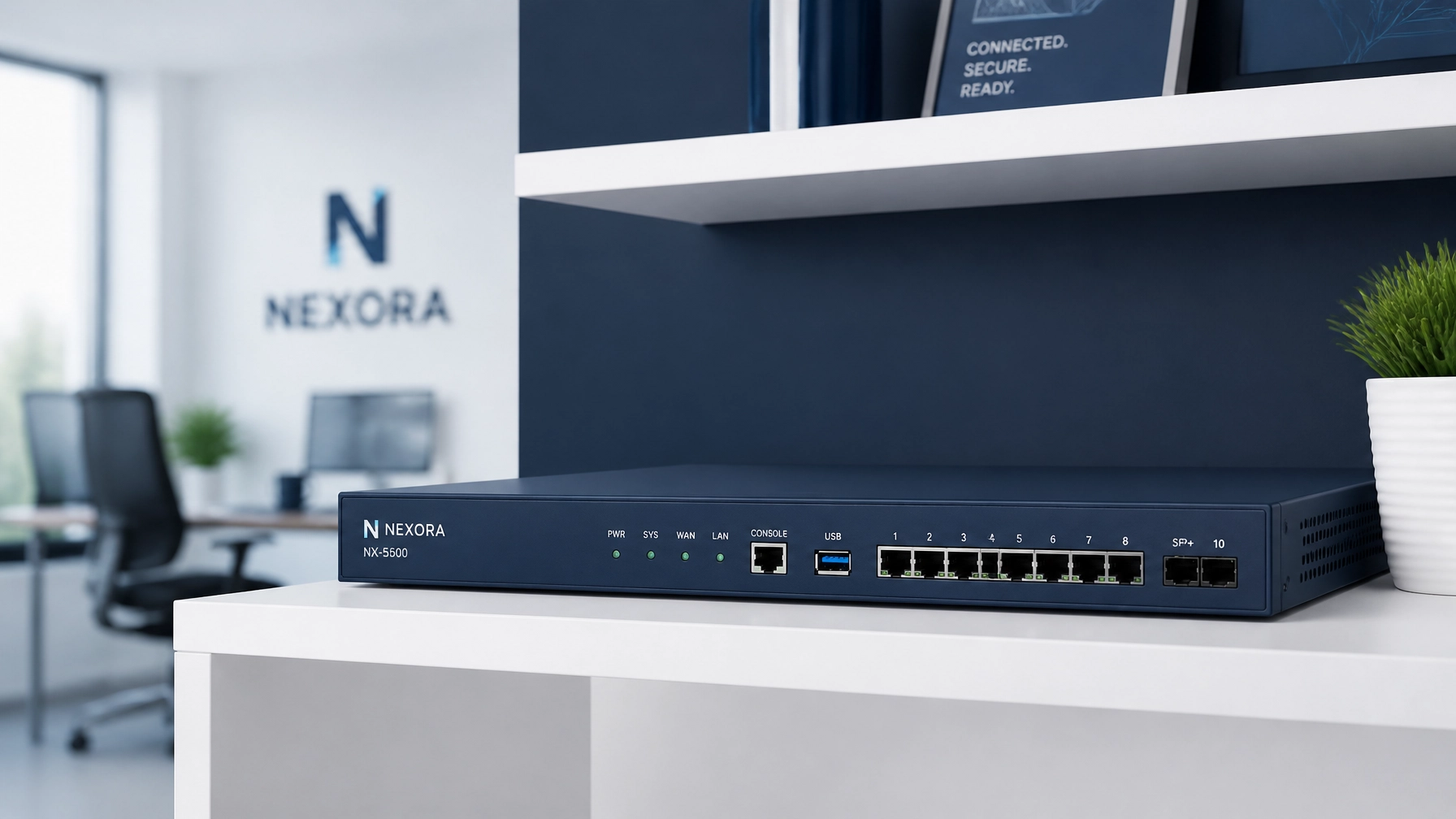
Coordinating ISP installation with hardware deployment requires precise sequencing. If your new fiber or cable connection is activated too early, you pay for duplicate service; if it is activated too late, your office goes dark the moment State Farm turns off corporate gear. Once the ISP line is live, professional installation of commercial-grade hardware: such as UniFi enterprise gateways and access points: ensures your office network is fully operational before staff arrive on Monday morning. For a deeper understanding of how service options compare, review our breakdown of ISP managed WiFi add-ons.
What are the key differences between upgrade approaches?
Comparing DIY setups, ISP router rentals, and fully managed network solutions clarifies why commercial-grade infrastructure is necessary for a State Farm agency. The right choice depends on your tolerance for troubleshooting technical issues.
| Feature | Consumer DIY Router | ISP Managed WiFi Add-On | Fully Managed Network |
|---|---|---|---|
| Monthly Cost | $10 – $15 (hardware purchase) | $20 – $30/mo | Plans from $109/mo |
| Hardware Quality | Consumer-grade plastic | Basic ISP gateway | Commercial UniFi hardware |
| Cellular Failover | Rarely included | Extra fee / limited | Included 5G cellular failover |
| Ongoing Support | None (self-managed) | Basic ISP call center | Proactive remote management |
Evaluating these options against agency realities demonstrates that consumer equipment leaves too much to chance. While a retail router costs little upfront, it offers no remote visibility and lacks the horsepower for multi-device environments. Meanwhile, ISP add-ons frequently lock agents into mediocre hardware with rigid limitations. A managed network provides enterprise-grade performance while leveraging your State Farm stipend to cover most or all of the monthly operating cost.
How does the State Farm stipend apply to your new infrastructure?
The $200/mo State Farm stipend is provided per office to help offset independent technology costs once corporate equipment is removed. This stipend is paid directly to the primary agent and begins only after State Farm removes its equipment, not at signup.
Financial planning during the transition requires understanding that State Farm is still evaluating the long-duration outlook of the stipend program. Because the stipend is not guaranteed indefinitely, agency owners should select infrastructure plans that offer predictable value and transparent pricing. For details on how recent structural adjustments affect agency finances, consult how State Farm contract changes impact your bottom line. Our agency plans start from $109/mo, designed to fit comfortably within the $200 stipend threshold. To explore service tiers and features, visit our transparent pricing model.

How do you maintain ongoing network visibility and reliability?
Ongoing network visibility is achieved through cloud-managed architecture that allows remote monitoring, instant firmware updates, and rapid troubleshooting. Enterprise cloud management platforms provide real-time alerts if an internet connection drops.
Maintaining a reliable office network means you never have to guess whether your internet is functioning properly. Utilizing advanced cloud platforms: such as those detailed on UniFi cloud management: allows network engineers to monitor gateway health, bandwidth consumption, and security status remotely. Furthermore, State Farm's transition guidance advises agents to consider backup internet and uninterruptible power supplies (UPS). Adding 5G cellular failover ensures that even if local fiber lines are severed by construction, your agency automatically switches to cellular data without missing a policy quote or client call.
What questions should you ask before upgrading your agency network?
When should I start planning my office network upgrade?
You should begin planning at least four to six weeks before State Farm removes its corporate equipment to allow adequate time for ISP provisioning and hardware installation.
Does the $200/mo stipend cover the entire cost of my new internet?
The $200/mo stipend is paid to the primary agent per office upon removal of corporate equipment, and while it is evaluated by State Farm, our plans start from $109/mo to ensure most agents pay little to nothing out of pocket.
Will my office phones and printers work immediately after the switch?
Desk phones will utilize State Farm’s transition software like Jabber until Zoom Phone rolls out, and compatible LAN printers (such as 5700 and M507X models) will connect directly to your new office network.
What happens if my primary internet connection drops during business hours?
Our managed setup includes 5G cellular failover and battery backup options, fulfilling State Farm’s guidance on outage preparedness and keeping your agency online automatically.
Ready to secure your agency's transition with a fully managed, commercial-grade network built for State Farm offices? Get started with Agent Choice Internet today.
Related reading: The State Farm Agent’s Guide to Choosing a Managed Network Services Provider.