Managed IT vs. DIY: Which is Better for Your State Farm Office Transition?
By Dylan Banks

Managed IT for an insurance agency is a professional service where an external provider handles your entire network infrastructure, including security, hardware, and maintenance. In contrast, a DIY approach requires the agent to research, install, and troubleshoot their own internet and networking equipment. For State Farm agents transitioning to self-managed internet, this choice determines whether they focus on selling insurance or fixing routers.
Is DIY really the "free" option for your agency?
No, DIY is often the most expensive choice because it consumes your most valuable resource: time. While you might save on a monthly management fee, you inherit the burden of ISP negotiations, hardware configuration, and emergency troubleshooting.
Many agents believe they can "set it and forget it" with a residential-grade router. This is a mistake. When your network goes down on a Monday morning, you are the help desk. Every hour spent on hold with a cable company is an hour you aren't growing your book of business. Transitioning your office requires more than just a Wi-Fi password; it requires a managed internet solution that ensures your State Farm systems remain accessible and secure.
Why does State Farm suggest a backup internet connection?
State Farm's official transition guidance recommends a backup internet connection and a Uninterruptible Power Supply (UPS) to prevent outages from halting your operations. A managed service provider includes these safeguards by default, whereas a DIY agent must source and configure them independently.
Our platform includes 5G cellular failover and battery backup systems to meet these specific recommendations. If your primary fiber or cable line is cut, your network automatically switches to cellular data. This level of reliability is difficult to achieve and maintain without professional oversight. We handle the technical heavy lifting so you can see how it works without needing a degree in computer science.
Will my existing printers and phones work after the switch?
Your desk phones will not work immediately upon switching, and only specific printer models are compatible with the new network environment. Agents must use the Jabber softphone until the State Farm Zoom Phone rollout is complete, as hard phones will not function over a standard VPN.
Regarding hardware, only the HP LaserJet 5700 and M507X LAN/shared printers are compatible with the transitioned network. Models like the M555X, 506X, and 556DN are not supported. If you are going the DIY route, you are responsible for identifying these compatibility gaps before they cause a work stoppage. With a managed partner, these technical requirements are documented and handled for you, ensuring a seamless "plug-and-play" experience.
Does the $200 State Farm stipend cover the full cost?
The $200 monthly stipend is designed to largely offset your internet costs, but it is not a "free forever" guarantee. State Farm pays one stipend per office to the primary agent, and it only begins once the corporate equipment is removed.
Our managed service pricing starts from $109/mo, which, when combined with your local ISP cost, often results in a very small out-of-pocket expense after the stipend is applied. It is important to note that State Farm is still evaluating the duration of this stipend, so it should not be considered a permanent fixture of your budget. By choosing a managed service, you lock in a transparent monthly fee that includes high-end hardware leasing and remote monitoring.

What hardware is best for a professional insurance office?
Commercial-grade hardware, such as the UniFi ecosystem from Ubiquiti, is the industry standard for small businesses that require high uptime and remote management capabilities. According to technical documentation from ui.com, UniFi platforms provide integrated security, high-capacity Wi-Fi, and the ability for remote technicians to push updates without disrupting your office.
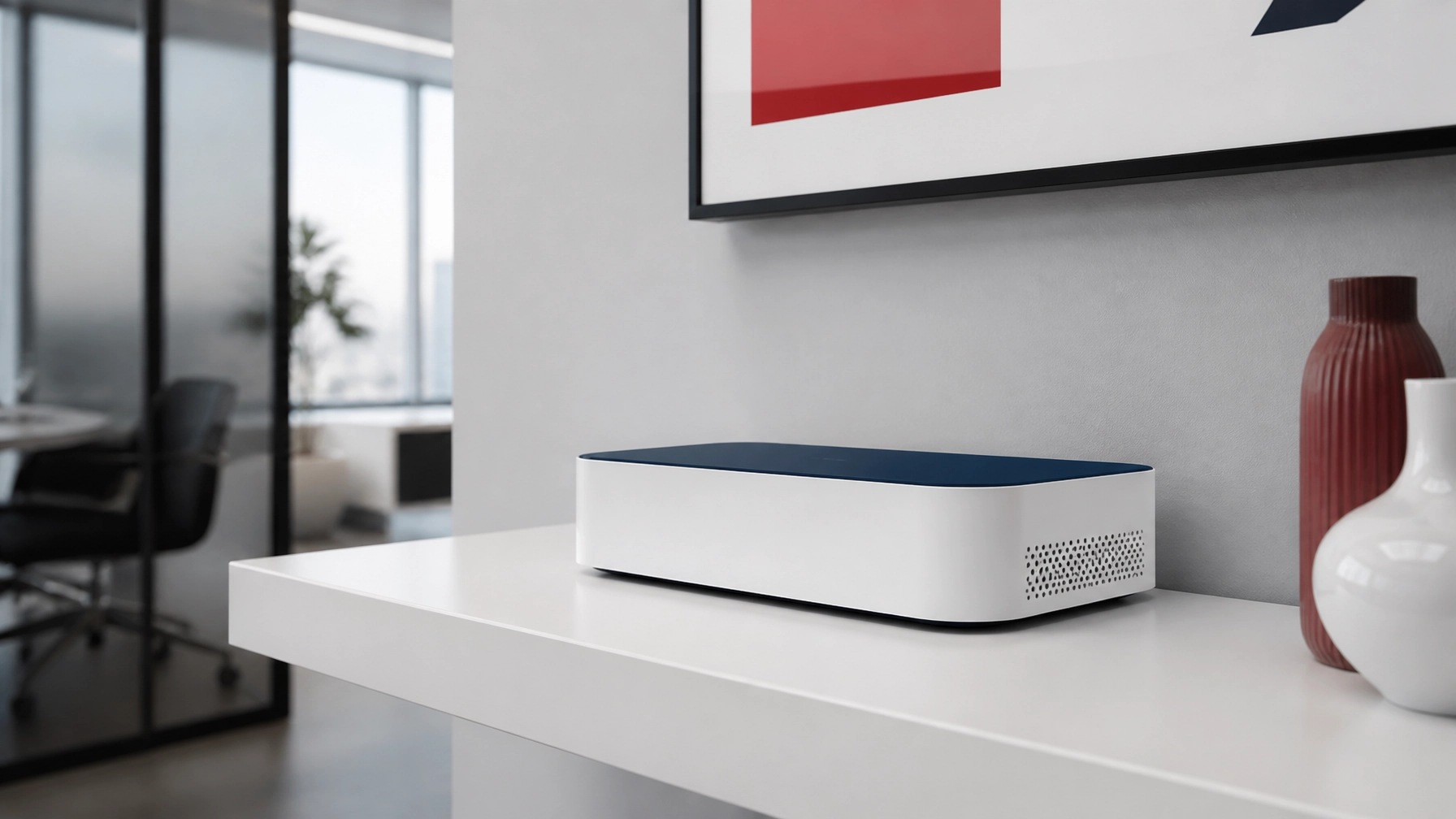
DIY agents often settle for consumer-grade mesh systems found at big-box retailers. These devices lack the security protocols and "self-healing" features necessary for a regulated insurance environment. We use sleek, minimalist UniFi gear that we lease to you, meaning you never have to worry about your hardware becoming obsolete or breaking. We monitor your system 24/7 and handle all firmware updates remotely.
How do I get started with the transition?
The first step is to get started by researching the available Internet Service Providers (ISPs) at your specific office location. We take over this process by comparing fiber and cable options to find the best speed and price for your agency.
You must be enrolled in State Farm Agent Voice Services (AVS) to participate in the transition program. Once you are ready, we ship pre-configured hardware to your office and manage the installation. This ensures your new network is live and tested before State Farm removes their legacy equipment. You can see coverage by state to find the specific options available in your region.

The Bottom Line: Effort vs. Efficiency
The choice between Managed IT and DIY is a choice between being a technician or being an agent. A DIY approach saves a small amount of cash today but creates a massive liability for tomorrow. A managed service removes the IT burden entirely, providing a professional-grade network that supports your security cameras, conferencing, and AI tools without a single headache.
We provide white-glove, end-to-end service. We research the ISPs, install the commercial hardware, and manage the network forever for a predictable fee. If you value your time and want the peace of mind that comes from a "done-for-you" solution, managed IT is the only logical choice for your State Farm office transition.
When does the $200 State Farm stipend start?
The stipend begins only after State Farm removes its corporate equipment from your office, not at the moment you sign up for your own service.
Will my current desk phones work on the new network?
No, desk phones will not work initially; you will use the Jabber softphone until the State Farm Zoom Phone rollout, as hard phones do not work over VPN.
Do I have to buy my own networking equipment?
With Agent Choice Internet, all hardware is leased and maintained by us, so there are no large upfront costs for equipment and no maintenance hassles.
Which printers are compatible with the new transition?
Only the HP LaserJet 5700 and M507X LAN/shared printers are compatible; other models like the M555X or 506X will not work on the shared network.
Is the State Farm stipend permanent?
No, State Farm has stated that the duration of the $200 monthly stipend is still being evaluated and is not a guaranteed permanent payment.
Related reading: How to Choose the Best Business Internet Service Provider for Your State Farm Office and Consumer Routers vs. UniFi Managed Wi-Fi: Which Is Better For Your Agency?.