Consumer Routers vs. UniFi Managed Wi-Fi: Which Is Better For Your Agency?
By Dylan Banks

The quick answer: Consumer routers are built for convenience and a handful of home devices; UniFi managed Wi-Fi is built for uptime, security segmentation, and remote management at business scale. For an agency that lives in carrier portals and VoIP all day, managed Wi-Fi is the safer default.
You are transitioning your SF agency from corporate-managed internet to your own service. It is a big move. It gives you more freedom, but it also hands you a massive responsibility. You are now the "Chief Technology Officer" of your office, whether you like it or not.
When you walk into a big-box retailer like Best Buy, you see walls of colorful boxes. They promise "Whole Home Coverage" and "Easy App Setup." These are consumer mesh systems: think Eero, Nest, or Orbi. They look sleek. They are easy to buy.
But there is a reason you don’t see those plastic boxes in high-end medical offices, law firms, or large-scale enterprises. For an insurance agency handling sensitive client data and relying on 100% uptime for VoIP calls, "good enough for home" is a liability.
At Agent Choice Internet, we believe in a professional-grade alternative: UniFi Managed Wi-Fi.
Here is why the choice you make today will determine how much sleep you get for the next five years.
The Consumer Router Trap: Why "Easy" Isn't Always Better
Consumer mesh systems are designed for one thing: simplicity for the average homeowner. They want a teenager to be able to set it up in five minutes so they can stream Netflix in the basement.
1. Limited Control and Visibility
When your internet goes down in the middle of a busy Monday, a consumer app won't tell you why. It might say "Offline," but it won't show you that a specific VoIP phone is hogging bandwidth or that a background update on a staff member's laptop is choking the upload speed. You are left guessing.
2. Lack of True Security Segmentation
Insurance agencies handle Private Identifiable Information (PII) and financial records. You need a "Staff" network that is completely isolated from your "Guest" network. Most consumer systems offer a "Guest Password," but behind the scenes, those devices are often still sitting on the same virtual space. A security breach on a guest's phone shouldn't be a bridge to your agency's client database.
3. The Performance Ceiling
Consumer gear is built for "bursty" traffic: loading a webpage, then sitting idle. An agency environment is different. You have constant streams: VoIP phone lines, cloud-based CRM access (like ECRM), video conferencing, and digital document uploads. Consumer routers often struggle with "bufferbloat," causing your voice calls to jitter or drop when someone else in the office starts a large download.

UniFi: The Professional Standard for Your Agency
UniFi hardware, built by Ubiquiti, is what we call "Prosumer" or "Enterprise-Lite." It offers the power of systems used by giant corporations but is scaled for the needs of a modern small business.
Hardware Built for Business
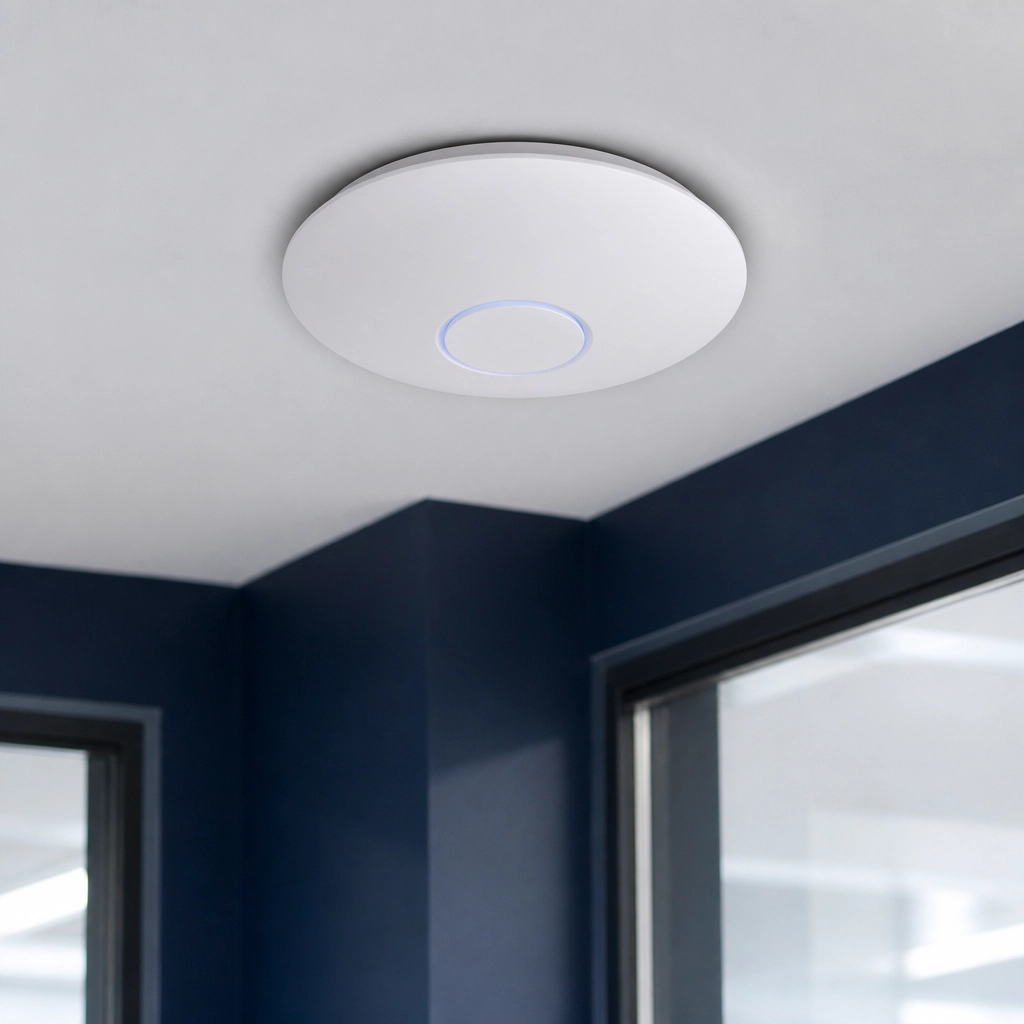
Unlike the plastic shells of home routers, UniFi access points (APs) are designed to be mounted on ceilings or walls. This ensures the signal isn't blocked by desks, filing cabinets, or floor-level obstructions. They are built to handle dozens of simultaneous devices without breaking a sweat.
Granular Security with VLANs
With a UniFi setup managed by Agent Choice Internet, we create Virtual Local Area Networks (VLANs). This is a fancy way of saying we build digital walls inside your office.
- Staff Network: Encrypted and high-priority for agency computers.
- Voice Network: Dedicated exclusively to your VoIP phones to ensure crystal-clear calls.
- Guest Network: Completely isolated. Clients can browse the web while waiting, but they can’t even "see" your office printers or computers.
- IoT/Security Network: For your cameras and smart thermostats, kept separate from your data.
Scalability That Grows With You
Are you planning to add another office suite next year? Or maybe you're moving to a larger building? With consumer systems, you often have to start over. With UniFi, we simply add another Access Point. The system scales instantly, and every device works together as a single, unified mesh that doesn't drop the signal as you walk from the lobby to your private office.
Why Managed Service Beats the DIY Approach
The biggest difference isn't just the hardware; it’s who is watching it. When you buy a router at the store, you are the help desk. When something breaks, you spend your afternoon on hold with a call center.
At Agent Choice Internet, we provide a white-glove, end-to-end service. We don't just sell you a box; we manage your entire network infrastructure.
We Research Your Options
Don't waste time comparing ISP speeds and fine print. We research the best providers in your specific area, compare the pricing, and present you with the best choice for your agency.
We Handle the Installation
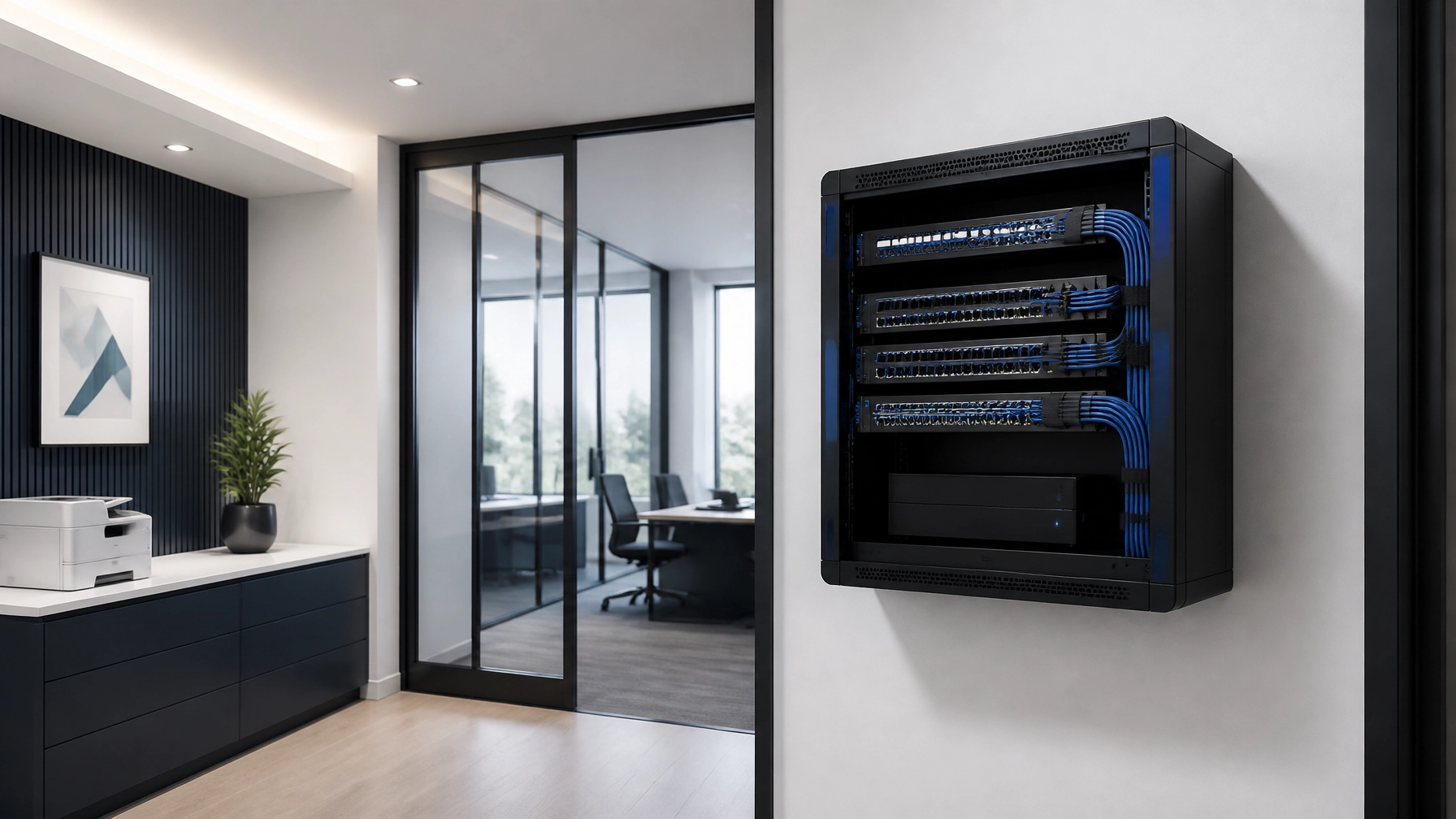
We install commercial-grade UniFi hardware in your office. We ensure the wires are hidden, the placement is optimal, and the signal is strong in every corner. No messy cables, no "dead zones" in the conference room.
Remote Monitoring and Maintenance
We monitor your network 24/7. Often, we see an issue and fix it before you even notice your internet was sluggish. We handle the firmware updates and security patches remotely. You never have to log into a complicated dashboard or "reboot the router" ever again.
Learn more about how our managed service works.
Maximizing Your SF Stipend
We know how the SF internet stipend works. Most agents are leaving money on the table or paying high out-of-pocket costs for mediocre service.
Our pricing model is designed to maximize your stipend. For most agents, after the stipend is applied, the "out-of-pocket" cost for our full, managed, white-glove service is less than $20 per month.
You get enterprise-grade security, professional hardware, and a dedicated IT team for less than the cost of a lunch. It’s a pragmatic business decision that protects your time and your agency’s reputation.
View our pricing and stipend breakdown.
At-a-Glance: Consumer vs. UniFi Managed
| Feature | Consumer Mesh (Eero/Nest) | UniFi Managed (Agent Choice) |
|---|---|---|
| Setup | DIY App | Professional White-Glove |
| Security | Basic Guest Network | Advanced VLAN Isolation |
| Hardware | Table-top Plastic | Ceiling-mounted Industrial |
| Support | 800-Number Call Center | Dedicated Managed Support |
| Updates | Automatic (and disruptive) | Managed & Scheduled |
| VoIP Quality | Shared Bandwidth | Dedicated Voice Priority |
| Cost | Upfront + Your Time | Predictable Monthly + Stipend |
Conclusion: Focus on Policies, Not Packets
Your job is to protect your clients and grow your agency. Your job is not to be an IT administrator. Choosing a consumer-grade router might save you a few minutes at the store, but it will cost you hours of frustration and potential security risks down the line.
By choosing a managed UniFi solution from Agent Choice Internet, you are investing in a "done-for-you" infrastructure. It’s secure, it’s fast, and most importantly, it’s handled.
Stop being the office IT guy. Let us handle the network so you can handle the insurance.
Ready to upgrade your agency?
Get started with Agent Choice Internet today.
What do agents usually ask about equipment and ISP flexibility?
Do I own the equipment?
No. All equipment is leased and maintained by us. This ensures that you always have the latest hardware and that we can replace any failing components immediately at no extra cost to you. No surprises, no capital expenditures.
Can I keep my existing ISP?
Yes. If you already have a contract with an ISP, we can often work with your existing connection to layer our managed hardware and service on top of it. We turn your basic connection into a managed powerhouse.
Does this support my security cameras and VoIP phones?
Absolutely. Our platform is built specifically to support high-bandwidth applications like 4K security cameras, access control systems, and high-quality conferencing. We prioritize your "mission-critical" traffic so your phones never drop.
What happens if the internet goes down?
We are your first and only point of contact. You don't call the ISP; you call us. We determine if it's a hardware issue (which we fix) or a provider outage. If it's the provider, we handle the hours on hold with them so you don't have to.
How long does installation take?
Once we have your ISP service ready, our professional installation is typically completed in a single morning. We work around your schedule to ensure minimal disruption to your agency operations.
What do agents usually ask about consumer routers vs. managed Wi-Fi?
Can’t I save money by buying my own consumer router instead of using managed UniFi hardware?
You save money upfront but pay the difference in downtime, security risk, and your own time troubleshooting. Consumer hardware lacks true VLAN segmentation, remote monitoring, and the sustained performance your agency’s simultaneous VoIP, cloud portal, and security camera traffic demands.
What is a VLAN and why does it matter for my agency?
A VLAN (Virtual Local Area Network) creates isolated digital networks inside your office. Your guest Wi-Fi, staff network, VoIP phones, and IoT devices each live in separate lanes. A guest’s device cannot access your internal systems—which is a baseline security requirement for any agency handling PII.
How does UniFi compare to popular consumer mesh systems like Eero or Orbi?
Consumer mesh systems are designed for ease of setup at home—a few devices, casual traffic. UniFi is purpose-built for business: ceiling-mounted access points, enterprise-grade security segmentation, granular traffic prioritization, and remote management at scale. The visibility alone—being able to see exactly which device is hogging bandwidth—is something no consumer app provides.
What happens to my network if a UniFi device fails?
All hardware we deploy is leased and maintained by Agent Choice Internet. If a device fails, we replace it. There is no surprise capital expenditure and no trip to the store while your office sits offline.
Do I need to do anything to maintain the UniFi system once it’s installed?
Nothing. We push firmware updates remotely, monitor device health continuously, and handle any configuration changes you need. You never need to log into a router settings page again.
Related reading: Managed IT vs. DIY: Which is Better for Your SF Office Transition? and Hands-Off Connectivity: Why Managed IT is the Secret to a Stress-Free Agency.