
Is the $60/mo Comcast Business Bundle Enough for a State Farm Agent Office?
By Dylan Banks

For a small State Farm agency, a $60/mo Comcast Business bundle is sufficient only if you are a solo agent with no staff and minimal reliance on advanced voice or backup services. However, most modern agencies find this basic bundle insufficient because it lacks the managed infrastructure, professional security, and reliable failover required to support multiple staff members, Zoom Phone transitions, and the constant uptime that State Farm’s new self-managed internet model demands.
As an insurance agent, you are moving from a corporate-managed environment to one where the burden of IT falls squarely on your shoulders. The $60/mo entry-level offer from a major Internet Service Provider (ISP) often looks like a bargain on paper. But as your agency scales, that "bargain" can quickly become a bottleneck for your productivity.
In this guide, we will break down exactly what you get for $60, where it falls short for an active State Farm office, and how to maximize your agency stipend to build a network that actually works for you.
When is a $60/mo Comcast bundle actually enough for my office?
A $60/mo Comcast Business bundle is usually enough for a solo agent or a very small team of two who primarily use the internet for basic web browsing, email, and simple cloud-based quoting. If you are in a temporary office space or just starting out and have zero intention of adding more staff in the next 12 months, this basic connection provides a reliable baseline.
These bundles typically offer speeds around 300 Mbps, which is more than enough for a single person to run a few browser tabs and a video call simultaneously. For the agent who is comfortable being their own IT person, rebooting the modem when it freezes, managing their own Wi-Fi passwords, and handling their own network security, this is the most cost-effective entry point.
However, fairness dictates we mention the "catch." This $60 price point almost always requires a multi-year contract and enrollment in auto-pay and paperless billing. Furthermore, the price is often a 12-month promotional rate. According to common ISP pricing structures, that $60 bill can jump to $100 or even $140 per month after the first year. If your goal is long-term stability, you must factor in these scheduled price hikes.
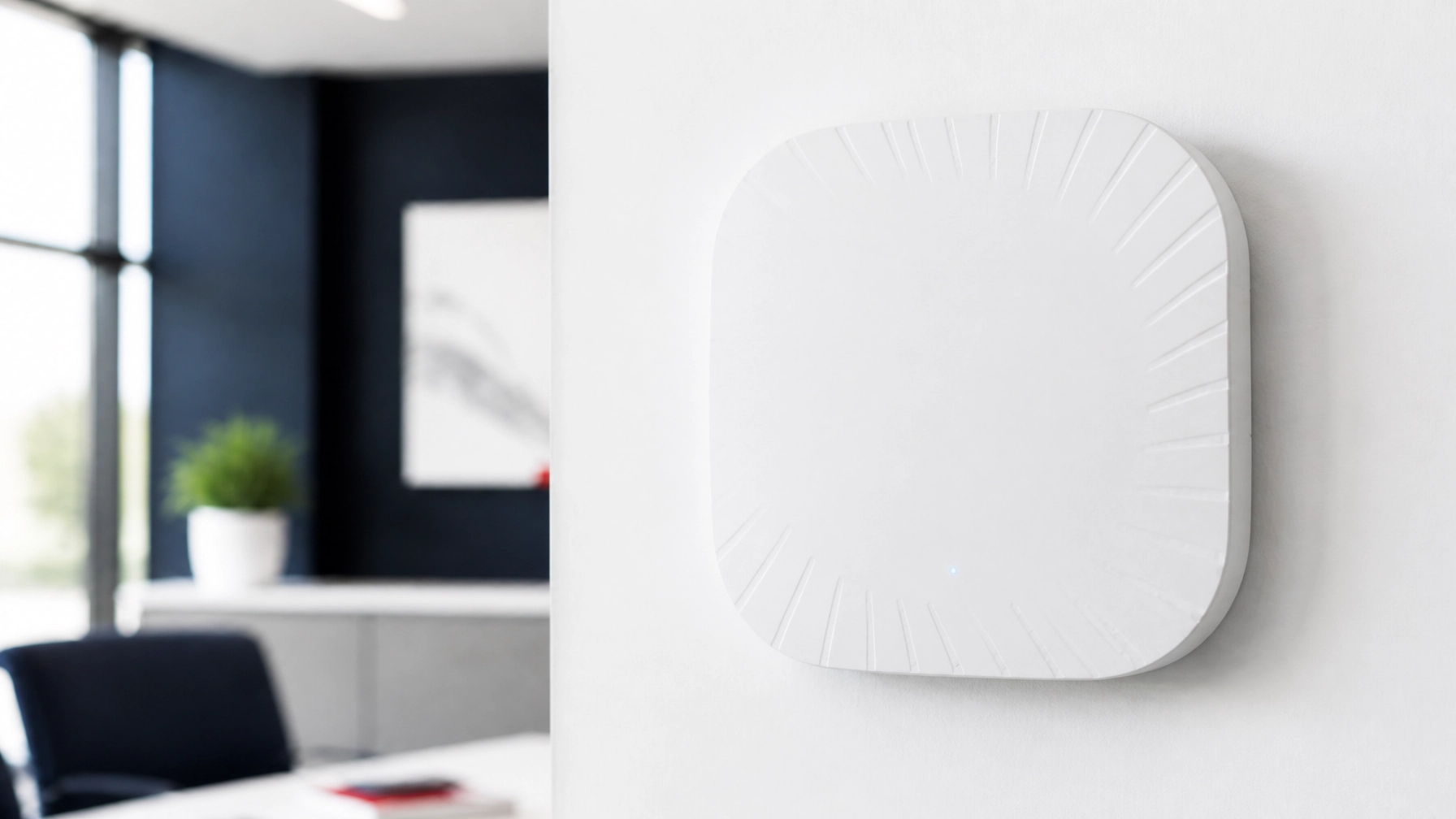
Where does the $60 bundle stop working for a State Farm agent?
The $60 bundle stops being effective the moment you add a third staff member or transition to a digital phone system like Zoom Phone. While 300 Mbps is plenty of speed for downloads, these basic bundles often have very low upload speeds. In a professional insurance environment, upload speed is what determines the quality of your video conferencing and the speed at which you can upload large policy documents or photos to the cloud.
When multiple staff members are quoting, uploading documents, and taking VoIP calls at the same time, a consumer-grade or basic business bundle can struggle with "jitter" and "latency." This results in dropped calls, frozen video, and frustrated customers.
Additionally, a standard ISP bundle provides "best-effort" support. If your internet goes down at 10:00 AM on a Monday, you are at the mercy of the ISP’s standard technician schedule. For an agent, four hours of downtime isn't just an inconvenience; it’s a total loss of revenue and service capability.
Comparison: Basic ISP Bundle vs. Managed Internet Solution
| Feature | Basic $60 ISP Bundle | Managed Internet (ACI) |
|---|---|---|
| Hardware | ISP-provided modem/router | Commercial-grade UniFi hardware |
| Network Management | You (DIY) | 24/7 Proactive Remote Management |
| Security | Basic software filter | Enterprise-grade Firewall & VLANs |
| Backup/Failover | None (Internet goes out, you're off) | 5G Cellular Failover Included |
| Support | Call a 1-800 number | Direct, white-glove support team |
| Stipend Optimization | Leaves $140 unused | Designed to maximize the $200 stipend |
Does the $200 State Farm stipend cover these costs?
State Farm’s guidance to agents includes a $200/mo stipend intended to help offset the cost of transitioning to your own office internet. This stipend is one per office, paid to the primary agent, and it only begins once State Farm removes its corporate office equipment from your location. It is important to note that State Farm has stated the duration of this stipend is still being evaluated, so it should not be considered a permanent or "forever" benefit.
If you choose a $60/mo bundle, you are essentially leaving $140 on the table each month while still being responsible for your own IT troubleshooting. Most agents we work with prefer to use the full value of the stipend to ensure they never have to think about their network again.
For example, most 1-3 person offices total about $189–$209/mo including their ISP, with plans from $109/mo for smaller offices. When you apply the $200 stipend, these agents often pay under $10/mo out of pocket for a fully managed, commercial-grade network.

How does a managed network differ from a standard Comcast bundle?
A managed network is a "done-for-you" infrastructure where the hardware, security, and maintenance are handled by experts. While a Comcast bundle gives you a "pipe" to the internet, a managed service like our network solutions builds a fortress inside your office.
We install commercial-grade hardware (specifically sleek UniFi gear) that is built to handle the heavy traffic of a busy agency. More importantly, we manage the network remotely. If an access point goes offline or a security threat is detected, we often fix the issue before you or your staff even notice something was wrong.
This is a significant shift from the "fix-it-when-it-breaks" model of a standard ISP bundle. With a managed service, your equipment is leased and maintained by us, meaning no surprise hardware costs when a router dies three years from now.
What hardware do I need to stay compliant with State Farm’s guidance?
State Farm’s own guidance tells agents to consider adding a backup internet connection and a Uninterruptible Power Supply (UPS) to prevent outages. A standard $60 bundle does not include these items. If the power flickers or a construction crew cuts a fiber line down the street, your office goes dark.
To meet this guidance, you need:
- Commercial-grade Firewall: To handle State Farm Agent Voice Services (AVS) and future Zoom Phone requirements.
- 5G Cellular Failover: A secondary connection that kicks in automatically if your primary ISP fails.
- Battery Backup (UPS): To keep your equipment running during short power flickers.
- Compatible Printers: Per State Farm guidance, only the 5700 and M507X LAN/shared printers are compatible with the new network setups. (Note: ACI provides the network, but State Farm handles printer replacement).
The Federal Communications Commission (FCC) notes that for a small business with multiple users, higher-tier "Advanced" service is often necessary to support simultaneous high-demand applications like VoIP and cloud-based management systems.

Will my phones and printers still work with a $60 bundle?
This is where many agents face the most frustration. When you switch to your own internet, your desk/hard phones will not work at first. State Farm’s current guidance is for agents to use a softphone (Jabber) until the official Zoom Phone rollout is complete. Hard phones also will not work over a standard VPN.
If you set up a basic $60 Comcast bundle yourself, you are responsible for ensuring your network settings allow Jabber and Zoom to function without lag. If you encounter "one-way audio" or dropped calls, Comcast support will likely tell you it is a software issue, and State Farm support will tell you it is an ISP issue.
When you use a managed internet service, we handle the network configuration specifically to support these voice services. We ensure the "Quality of Service" (QoS) settings are prioritized so your phone calls always take precedence over someone downloading a large PDF.
What most State Farm agents end up doing
While the $60/mo bundle is tempting for its low price, most agents quickly realize that the time they spend troubleshooting their own Wi-Fi or dealing with ISP call centers is worth far more than the $140 they are "saving."
Successful agents are choosing to maximize their $200 stipend to get a "hands-off" experience. They want a network that is installed professionally, monitored 24/7, and backed up by cellular failover so they never miss a lead due to a technical glitch.
If you want to skip the trial-and-error phase, you can get started with a managed setup and see what the process looks like for your office. You can also find your state's options and see how we can build a setup that fits your office size perfectly.
Agent Choice Internet is a service of FollowThrough Works LLC and is not affiliated with, endorsed by, or sponsored by State Farm.

Ready to stop playing IT manager and get back to selling?
See our pricing plans and get started today.
Is the $60 Comcast bundle enough for a State Farm office with 4 staff members?
Generally, no. A 4-person office needs more upload bandwidth and proactive management to support simultaneous quoting, VoIP calls, and cloud usage without slowing down.
Does the $200 State Farm stipend cover the cost of managed internet?
Yes, in many cases. Most 1-3 person offices pay about $189–$209/mo for their total setup, meaning the $200 stipend covers nearly the entire monthly cost of a managed solution.
Will my ISP help me set up my State Farm printers?
No. ISPs like Comcast only provide the internet connection to your modem; they do not assist with office equipment like printers or specific agency software settings.
What happens if the $60 bundle internet goes out?
With a standard bundle, you have no backup. Your office is offline until the ISP sends a technician, which can take hours or even days. Managed solutions include 5G cellular failover to prevent this.
Do I need to be tech-savvy to manage my own office network?
If you use a basic ISP bundle, yes: you are the IT person. If you use Agent Choice Internet, we handle everything remotely so you don’t have to be technical at all.
Related reading: How to Choose the Best Business Internet Service Provider for Your State Farm Office and State Farm Agent IT Infrastructure Starts at the Router.